02Edition · November 2026
Readings from the search box.
How App Store and Google Play search work: what Apple and Google document, what we measured, and what to do with both.

How App Store search ranks apps: what Apple documents, and what you can measure
Apple names the signals behind App Store search: text matches and user behaviour. What each covers, what Apple leaves out, and how to check it yourself.
Read the article01 / 34
Articles on the App Store
25 articles · in reading order
The App Store keyword field: how to fill its 100 characters
What Apple says about the keyword field, whether App Store Connect counts characters or bytes, what to leave out, and a worked example, line by line.

App Store app name and subtitle: the 30-character rules, and what to put in each
Apple’s rules for the App Store app name and subtitle: limits, what counts as a character, when they change, and what the top-ranked apps put in them.

App Store localizations and keywords: which languages each country searches
Apple’s table of the languages each App Store country searches, what extra localizations do for your keywords, and how to test cross-localization yourself.

Custom product pages and keywords: how they appear in App Store search
What custom product pages are, Apple’s limits, how to assign keywords so one shows in App Store search instead of your default page, and how to measure it.

App Store product page optimization: what you can A/B test, and how to read it
Apple’s A/B test for your App Store page: what it can test, traffic split, 90 days, App Review, confidence, and why a winning page is not a higher rank.

Does App Store search correct typos? Misspelled keywords, plurals and accents
Does App Store search correct typos? Measured in October 2026: the misspellings it corrects, the ones it doesn’t, accents, and brand names.

App ideas for 2026: 30 App Store searches with real demand and weak competition
30 app ideas from real App Store searches: how soon the App Store suggests each one, and how few ratings the apps that answer it have today.

Apple Search Ads (now Apple Ads): how it works, what it costs, how to set it up
Apple Search Ads is now Apple Ads. Its four placements, Basic or Advanced, what a tap costs, match types and the campaign structure Apple recommends.

What does “In-App Purchases” mean on the App Store and Google Play?
“In-App Purchases” means an app sells extras inside it. The four types, where the label shows, what 92 of 100 top apps charge, and how to block them.

How to make an app: every step from the idea to the App Store and Google Play
How to make an app, step by step: check the idea, choose iPhone or Android, build with Apple's or Google's free tools, test it, publish it, get found.

Vibe coding: what it is, and how to publish a vibe-coded app on the stores
Vibe coding means building software by telling an AI what you want. Where the term comes from, and what Apple and Google check before your app can ship.

Apple Developer account: what it costs, how to enroll, and what you get
An Apple Developer account is free, but the App Store needs the 99 USD yearly membership. How to enroll, individual or organization, renew and sign in.

App Clips: what they are on iPhone, and how an app makes one
An App Clip is a small part of an app you use for one task without installing the full app. Where they come from, how to remove them, and how to make one.
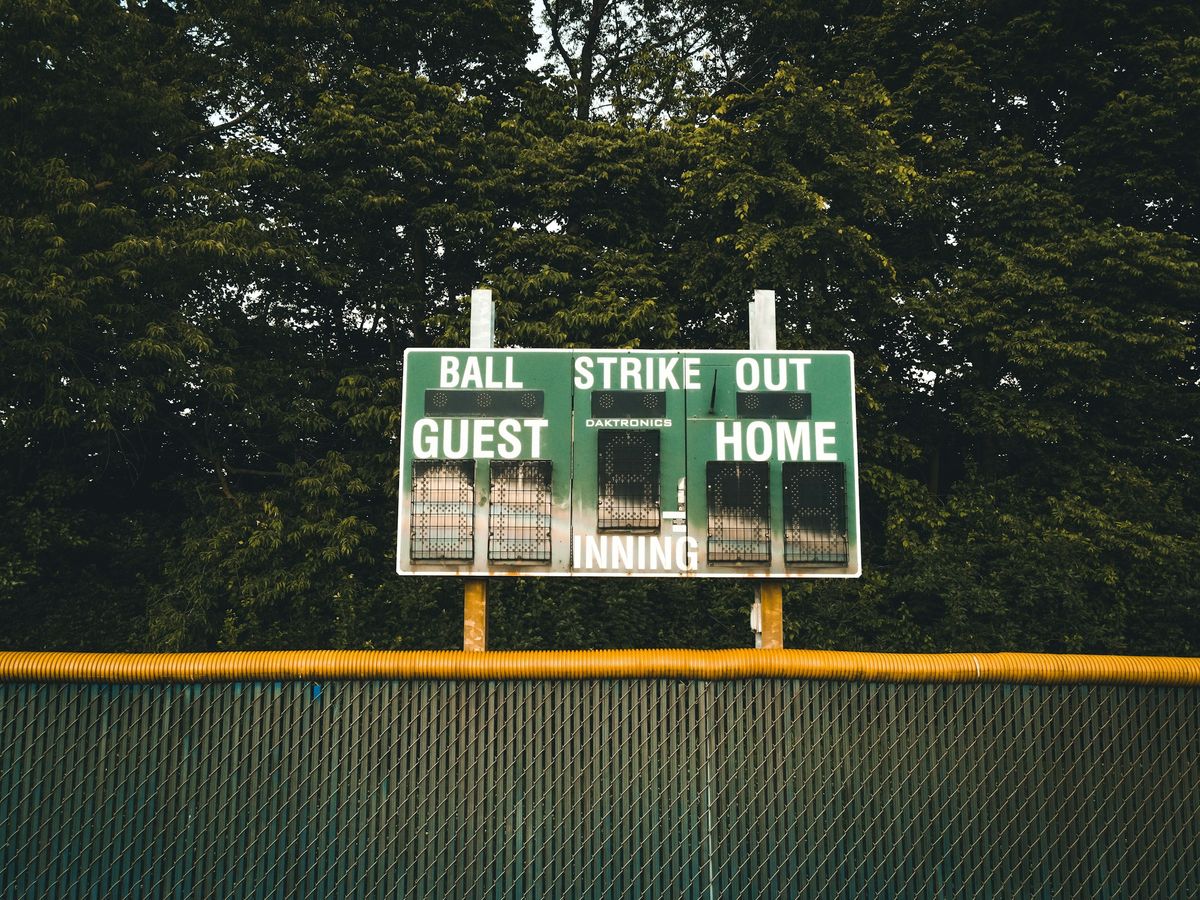
Live Activities on iPhone: what they are, how to turn them off, and how apps add them
Live Activities show an app's live updates, like a score, a delivery or a ride, on the iPhone Lock Screen and in the Dynamic Island. How to turn them off.

Dynamic Island: what it is, which iPhones have it, and how to use it
The Dynamic Island is the area around the iPhone's front camera that shows alerts and Live Activities. 17 iPhones have it, from 14 Pro to 18 Pro and Duo.

Xcode for Windows: can you get it, and how to make iPhone apps on Windows
There is no Xcode for Windows: Xcode 27.2 needs macOS Tahoe 26.6 and Apple silicon. How to learn Swift, build iPhone apps in the cloud and ship from a PC.

App Store screenshot sizes for 2026: every iPhone, iPad and Google Play size
App Store screenshot sizes in 2026: iPhone needs 1179 × 2556 or 1206 × 2622 px, iPad apps 2064 × 2752. Every other Apple size, previews and Google Play's.

Push notifications: what they are on iPhone, Android and the web, and how apps send them
Push notifications are messages an app's server sends through Apple's APNs or Google's FCM, shown even when the app is closed. How to turn them on or off.
Focus mode on iPhone: what it does, how to set it up, schedule it, and turn it off
Focus mode on iPhone silences calls and notifications, except from the people and apps you allow. How to set it up, schedule it, share it and turn it off.

App Library on iPhone: where it is, how it sorts apps, and how to move or delete them
App Library on iPhone is the screen after your last Home Screen page: swipe left to reach it. How it sorts apps, and how to move, hide or delete them.

Action button on iPhone: which models have it, what it can do, and how to customize it
The iPhone Action button runs the action you pick in Settings: Silent Mode by default, or Camera, Focus, a shortcut and more. 14 iPhone models have it.

How to turn off Liquid Glass on iPhone, and what you can change instead
You can't turn off Liquid Glass. On iOS 27, drag the slider in Settings > Appearance > Liquid Glass to fully tinted, or turn on Reduce Transparency.

How to update apps on iPhone: all at once, automatically, and when an app won’t update
To update apps on iPhone, open the App Store, tap your photo, then App Updates and Update All. Plus automatic updates, cellular data and fixes.

How to offload apps on iPhone: what it means, what it keeps, and how to get apps back
To offload apps on iPhone, open Settings › General › iPhone Storage and tap the app. Offloading frees its space but keeps its documents and data.
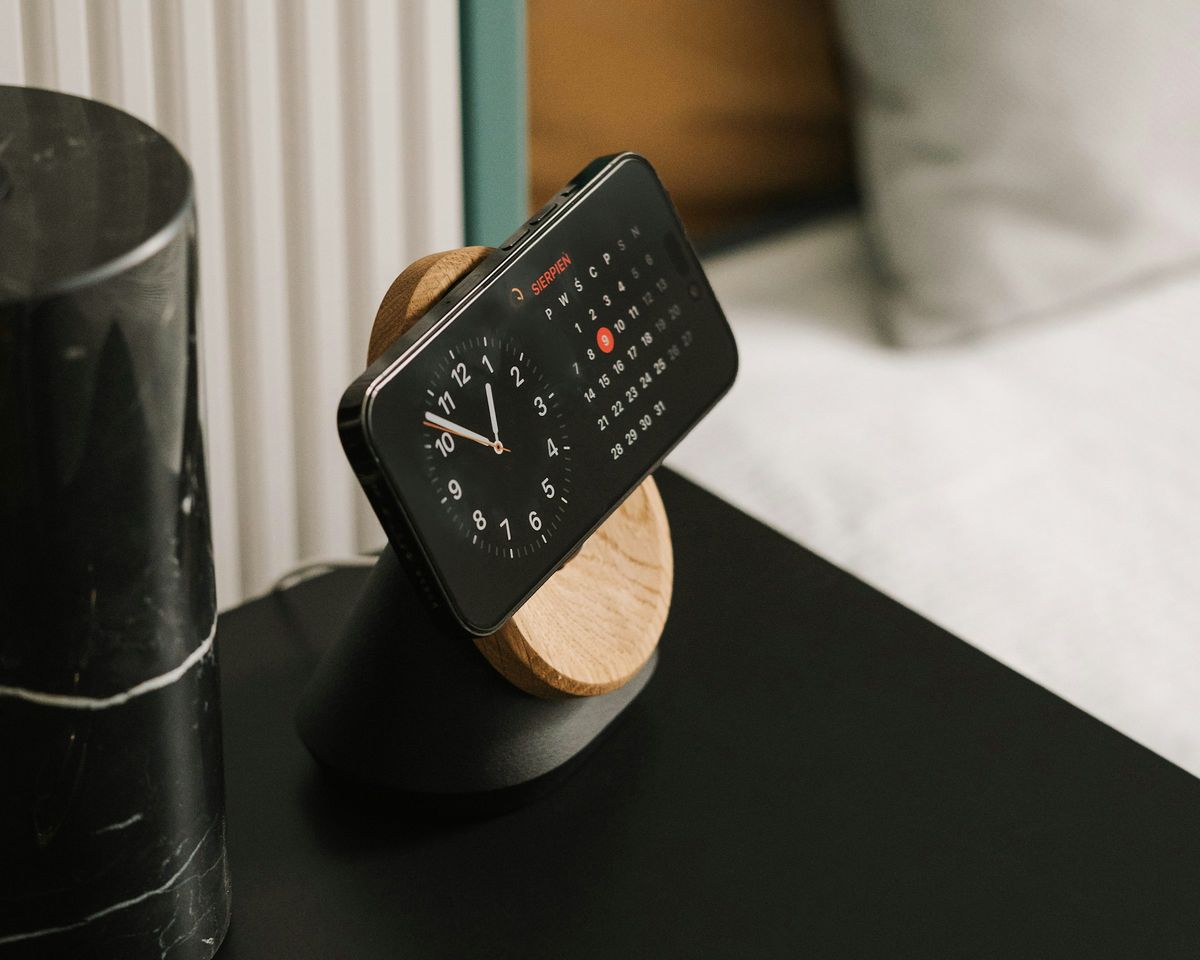
StandBy mode on iPhone: how to turn it on, keep it on, customize it, and turn it off
StandBy mode turns an iPhone charging on its side into a clock, photo frame or widget display. Turn it on in Settings; 13 iPhones keep it always on.
Articles on Google Play
4 articles · in reading order
Google Play search ranking: how to get found without a keyword field
Google Play has no keyword field. What Google says about search ranking, the 30/80/4,000 limits, its metadata rules, and one app measured on both stores.
Google Play Console: what it costs, how to sign up, and how to publish your app
Google Play Console costs US$25 once. How to sign up, personal or organization, the 12-tester closed test, the store listing, and review.
Android app development: how to build your first app, in Google's own words
To build an Android app, install Android Studio, write Kotlin with Jetpack Compose, test on a phone, then publish on Google Play for US$25 once.

Kotlin vs Java: the differences, which to choose for Android, and how they work together
Kotlin vs Java: Google recommends Kotlin for new Android apps, and Jetpack Compose needs it. Java stays supported, and the two mix in one project.
Articles on measuring
4 articles · in reading order
ASO keyword research: how to find keywords from the stores’ own signals
Find App Store and Google Play keywords from the stores’ own signals: search suggestions, Apple Ads popularity and who ranks, with a measured example.
How to check an app’s keyword ranking, and get a number you can trust
One search is not a rank. Country, device, language and the hour all move it. A method anyone can follow, with real readings: median, spread, depth.
Did my ASO change work? How to judge a listing change, before and after
How to tell whether a name, subtitle or keyword change moved your ranks: before and after windows, settling days, medians, confounders, a decision rule.

The best ASO tools in 2026: free and paid, compared from their own pages
The best ASO tools in 2026, read from their own pages: what AppTweak, Sensor Tower, Appfigures and 9 others track, their free options and entry prices.
More articles.
2 articles · newest first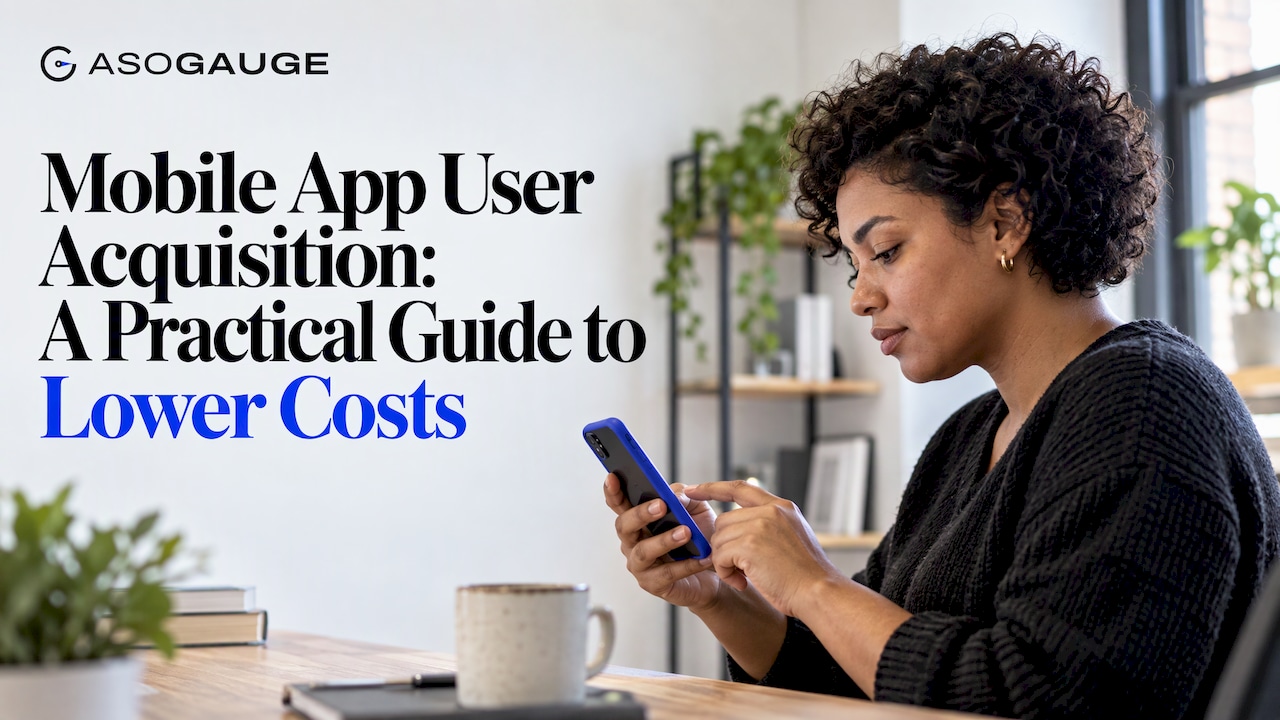
Mobile App User Acquisition: A Practical Guide to Lower Costs
Mobile app user acquisition explained for developers and marketers: the funnel, paid and organic channels, the metrics that matter and how to cut cost per install.
Google Play Algorithm: What Google Documents and What to Measure
How the Google Play search algorithm ranks apps: the factors Google documents, what is only inferred, and how to measure whether your listing changes work.
Your own ranks
Measure your own keywords.
ASO Gauge searches the App Store and Google Play three times a day for each of your keywords, and keeps the rank your customers really see.
Try It Free for 7 DaysFree for 7 days, no cardThen one payment, no subscription20 AI listing proposals a month, checked by codemacOS 14 or later, Windows 10 or 11, Linux